
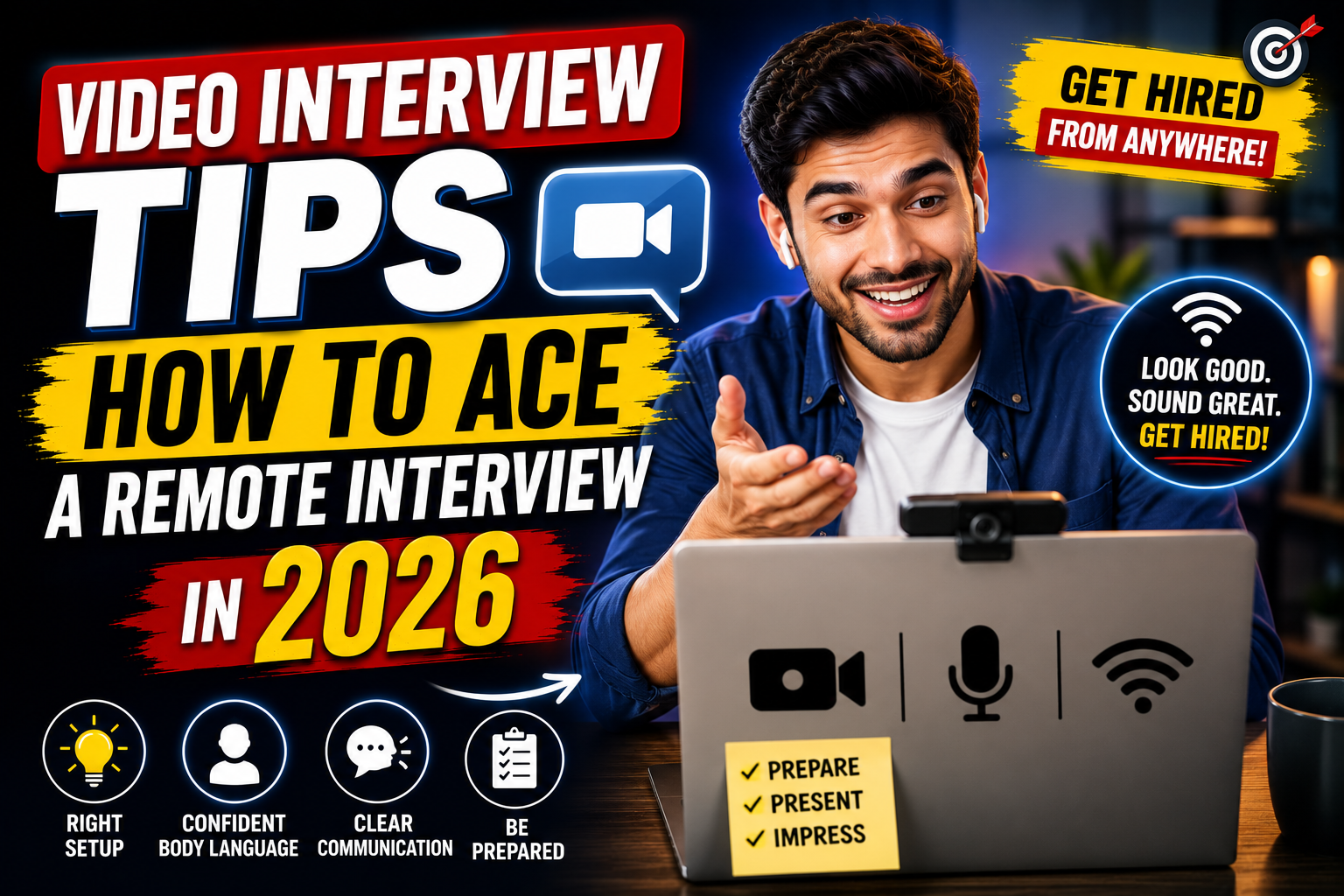
Your video interview starts in 10 minutes. You open your laptop. The camera shows your unmade bed behind you. The lighting makes you look like a ghost. Your Wi-Fi icon is flickering. Your roommate starts cooking in the next room. You panic.
In 2026, over 60% of first-round interviews in India happen over video — Zoom, Google Meet, or Microsoft Teams. According to a LinkedIn India report, remote interviews have become the default screening method for IT, marketing, finance, and consulting roles across Mumbai, Bangalore, Delhi, Hyderabad, and Pune.
But here’s the problem — most candidates prepare their answers perfectly and ignore everything else. Your camera angle, background, lighting, and internet stability matter just as much as your words.
In this article, I’ll give you a complete technical and professional checklist to ace your next video interview — including what to do when things go wrong.
Technical Setup Checklist — Get This Right Before Anything Else
Your technical setup is your interview room. A bad setup distracts the interviewer and makes you look unprepared. Here’s everything you need to check — ideally the night before.
Camera Setup
| What to Do | Why It Matters |
|---|---|
| Position camera at eye level | Looking down at a laptop camera makes you look disinterested. Looking up makes you look small |
| Stack books or a box under laptop to raise it | Cheap fix — works as well as a ₹5,000 monitor stand |
| Keep camera at arm’s length distance | Too close feels invasive. Too far makes you look disconnected |
| Clean your camera lens | A smudged lens makes you look blurry even with good internet |
| Use laptop camera — not phone (if possible) | Laptop is more stable. Phone shakes and falls |
A fresher in Pune propped her laptop on 3 textbooks to bring the camera to eye level. The interviewer later said — “You looked the most professional on camera compared to other candidates today.” A ₹0 solution made the difference.
Lighting Setup
The golden rule: Light should hit your face from the front — never from behind.
| Setup | Effect |
|---|---|
| Window in front of you | Natural light on face — best and free |
| Window behind you | Your face becomes a dark silhouette — worst possible |
| Desk lamp pointing at face | Good backup when natural light isn’t available |
| Ring light (₹500-₹1,500) | Professional, even lighting — worth the investment |
| Overhead room light only | Creates harsh shadows under eyes — not ideal |
Sit facing a window during daytime interviews. If your interview is at night — place a desk lamp behind your laptop, angled toward your face. Avoid overhead tube lights as your only source — they cast unflattering shadows.
A developer in Hyderabad had his interview at 7 PM. His room had one ceiling light. His face appeared dark and shadowy on camera. He bought a ₹700 ring light from Amazon after that experience. His next video interview — the recruiter complimented his setup. Small investments, visible results.
Internet Connection
This is the single biggest anxiety for Indian candidates — and the most common failure point.
| Speed | Video Call Quality |
|---|---|
| Below 2 Mbps | Frequent freezing, poor audio |
| 2-5 Mbps | Manageable but risky |
| 5-10 Mbps | Good quality — smooth video and audio |
| 10+ Mbps | Excellent — no issues |
How to prepare:
- Run a speed test the night before (speedtest.net)
- Close all other tabs and apps during the interview — Netflix, YouTube, and WhatsApp Web consume bandwidth
- Ask family members to avoid heavy streaming during your interview time
- Sit close to the Wi-Fi router — or use a LAN cable if possible
What to Do If Internet Fails During a Video Interview — Your Backup Plan
This happens more often than you think in India. Power cuts, router resets, ISP issues. You need a plan before it happens — not during.
Step 1: Keep your mobile hotspot ready.
Fully charge your phone. Enable hotspot. Keep it connected to your laptop as a secondary network — so you can switch in 30 seconds if Wi-Fi drops.
Step 2: Save the interviewer’s phone number and email.
Before the interview, reply to the calendar invite or email with — “Looking forward to our call. In case of any connectivity issues, my phone number is [number]. Please feel free to call.” This shows professionalism and preparedness.
Step 3: If you freeze during the call — don’t panic.
Turn off your video. This reduces bandwidth. Say — “I apologize, my connection is unstable. Let me switch to mobile data.” Switch to hotspot. Rejoin in 60 seconds. The interviewer won’t hold a tech issue against you — they’ll hold your reaction against you.
Step 4: If you get disconnected completely —
Call the interviewer’s number immediately. Or send a quick email — “I’m sorry, I lost connection. I’m reconnecting now and will rejoin in 2 minutes.” Then rejoin.
A fresher in Jaipur lost her Wi-Fi connection 15 minutes into a Google Meet interview with Accenture. She switched to her Jio hotspot in 45 seconds, rejoined, and said — “Sorry about that. I’ve switched to backup internet. Shall I continue from where we left off?” The interviewer appreciated her calm handling. She got the offer. The disconnection didn’t cost her — because she had a plan.
According to a 2025 Naukri survey, 34% of Indian candidates have experienced internet issues during video interviews. Yet only 12% had a backup plan ready. Having a hotspot ready puts you in the top 12% automatically.
Best Background for Video Interview — What Works and What Doesn’t
Your background is the first thing the interviewer notices — even before your face.
| Background | Impression |
|---|---|
| Clean wall — white, cream, or light colour | ✅ Best — professional and distraction-free |
| Bookshelf (neat) | ✅ Good — adds personality without distraction |
| Blurred background (Zoom/Meet feature) | ✅ Good — hides messy rooms effectively |
| Unmade bed | ❌ Unprofessional — most common mistake |
| Kitchen / bathroom | ❌ Distracting and inappropriate |
| Busy room with people walking behind | ❌ Distracting — interviewer can’t focus on you |
| Virtual background (beach, space, office) | ⚠️ Risky — glitches around hair and edges |
The simplest solution: Find a wall. Sit in front of it. Done. If you can’t find a clean wall — use the blur background feature available in Zoom, Google Meet, and Microsoft Teams. It’s reliable and professional.
Avoid virtual backgrounds unless your laptop has a strong processor. On older laptops, virtual backgrounds glitch — your head disappears, your hand blends into the background, and the whole thing looks unprofessional.
A marketing candidate in Delhi took her interview from her bedroom. Behind her — clothes hanging on a chair, a half-open wardrobe, and a poster of a Bollywood movie. The interviewer was distracted throughout. Her answers were good — but the feedback mentioned “unprofessional setup.” She now uses a corner with a blank wall and a small plant. Clean. Simple. Professional.
How to Look Professional on Camera — Appearance and Body Language
What to Wear for a Video Interview
Dress the same way you would for an in-person interview — at least from the waist up. Yes, wear proper trousers too — you might need to stand up unexpectedly.
| Do | Don’t |
|---|---|
| Solid-colour formal shirt or kurta | Stripes, checks, or busy patterns (they flicker on camera) |
| White, light blue, pastel shades | Pure white can glow — off-white is better on camera |
| Neat hair and minimal accessories | Heavy jewellery or noisy bangles |
| Light makeup (women) | No makeup at all or heavy party makeup |
Eye Contact in Video Interview
This is the trickiest part. When you look at the interviewer’s face on screen — you’re actually looking down, not at them. To make eye contact on video — look at the camera lens, not the screen.
Practical tip: Put a small sticky note with an arrow next to your camera lens as a reminder. It feels unnatural at first — but to the interviewer, it looks like genuine, confident eye contact.
Body Language Tips
- Sit straight — don’t slouch or lean back
- Keep both hands visible — resting on the desk
- Nod occasionally when the interviewer speaks — it shows active listening
- Smile naturally — a poker face looks unfriendly on video
- Don’t fidget, click pens, or tap the table — microphones amplify everything
- Mute yourself when the interviewer is speaking at length — it eliminates background noise
Video Interview Etiquette — The 15-Minute Pre-Interview Routine
15 minutes before the interview:
| Time | Action |
|---|---|
| T-15 min | Close all unnecessary apps and tabs. Open only the meeting link |
| T-12 min | Test camera and microphone — Zoom and Meet have “test” options in settings |
| T-10 min | Check background and lighting. Adjust if needed |
| T-8 min | Put phone on silent. Inform family not to disturb |
| T-5 min | Join the meeting room. Wait with camera on, mic muted |
| T-3 min | Keep resume, notes, pen, and water within reach but off-camera |
| T-0 | Unmute when interviewer joins. Smile. Greet confidently |
Use headphones — not laptop speakers. Headphones with a built-in mic give clearer audio on both sides. Laptop speakers create echo and pick up background noise. Simple wired earphones work perfectly — you don’t need expensive AirPods.
Frequently Asked Questions
Q1: How to prepare for a video interview at home?
Check camera, lighting, internet, and background the night before. Run a speed test. Keep mobile hotspot as backup. Close all apps and tabs before the interview. Join 5 minutes early with camera on and mic muted. Dress formally from head to toe. Keep resume and water within reach. Test your setup with a friend call if possible.
Q2: What is the best background for a video interview?
A clean, plain wall in a neutral colour — white, cream, or light grey. A neat bookshelf also works. If your room is messy, use the blur background feature in Zoom or Google Meet. Avoid unmade beds, kitchens, busy rooms, and virtual backgrounds that glitch on older laptops.
Q3: How to maintain eye contact in a video interview?
Look at the camera lens — not at the interviewer’s face on screen. This feels unnatural but appears as direct eye contact to the interviewer. Place a small sticky note near your camera as a reminder. Glance at the screen occasionally to read facial cues, then return to the camera lens.
Q4: What to do if internet fails during a video interview?
Switch to mobile hotspot immediately — keep it pre-connected. Turn off your video to reduce bandwidth. If disconnected, call the interviewer or email within 60 seconds: “I apologize, I’m reconnecting now.” Stay calm. Interviewers understand tech issues — they judge your composure, not your ISP.
Q5: How to dress for an online interview?
Dress the same as an in-person interview — formal shirt or kurta, neat hair, minimal accessories. Avoid busy patterns — they flicker on camera. Wear solid, muted colours. Dress fully — not just waist up — in case you need to stand. Looking professional on camera shows you take the interview seriously.
Your Setup Speaks Before You Do — Make It Professional
Here’s the reality of 2026 — video interviews aren’t temporary. They’re the default first round. And your setup is part of your interview performance.
Tonight — test your camera angle, lighting, background, and internet. Fix what needs fixing. It takes 20 minutes. Those 20 minutes eliminate every technical distraction that could cost you the offer.
Your answers get you the job. But your setup gets your answers heard clearly.
Look professional. Sound clear. Stay connected. Get hired. 💪